FOR LABELS WITH SOMETHING TO SAY
Your next
great sound.
Within reach.
Everything your team needs to receive demos, listen and decide. In a system that carries your name.
Get Label Managment ↗See how it works ↓ Ala Blanca Records ↗
Less noise.
More music.
A PLACE FOR EVERY SUBMISSION
Great demos deserve more than getting lost in an inbox. Bring submissions, notes and replies together. Give each person the access they need. Get back to listening.
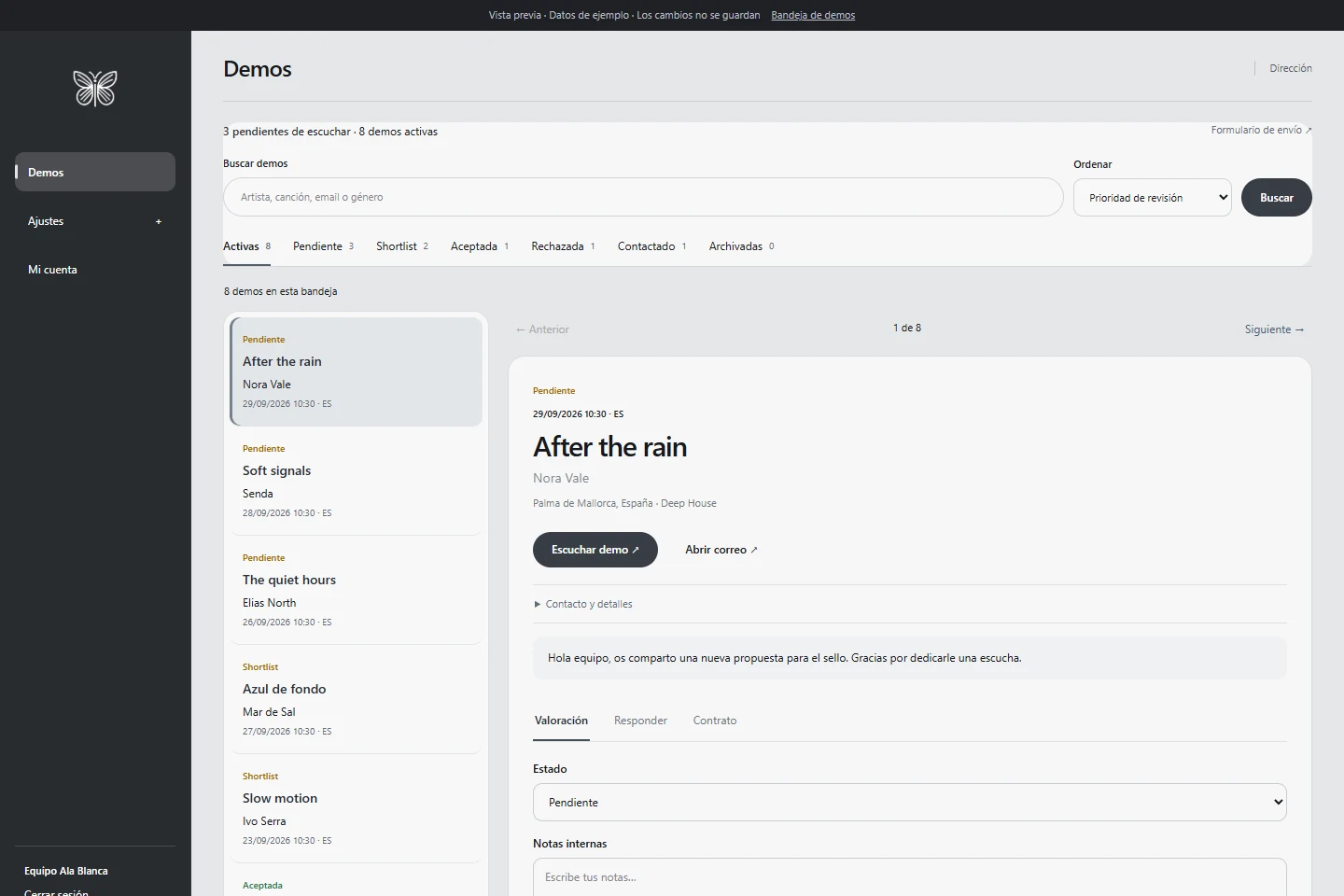
The actual dashboard. Screenshot with sample data.
01 / THE FIRST CONTACT
Open the door
to what’s next.
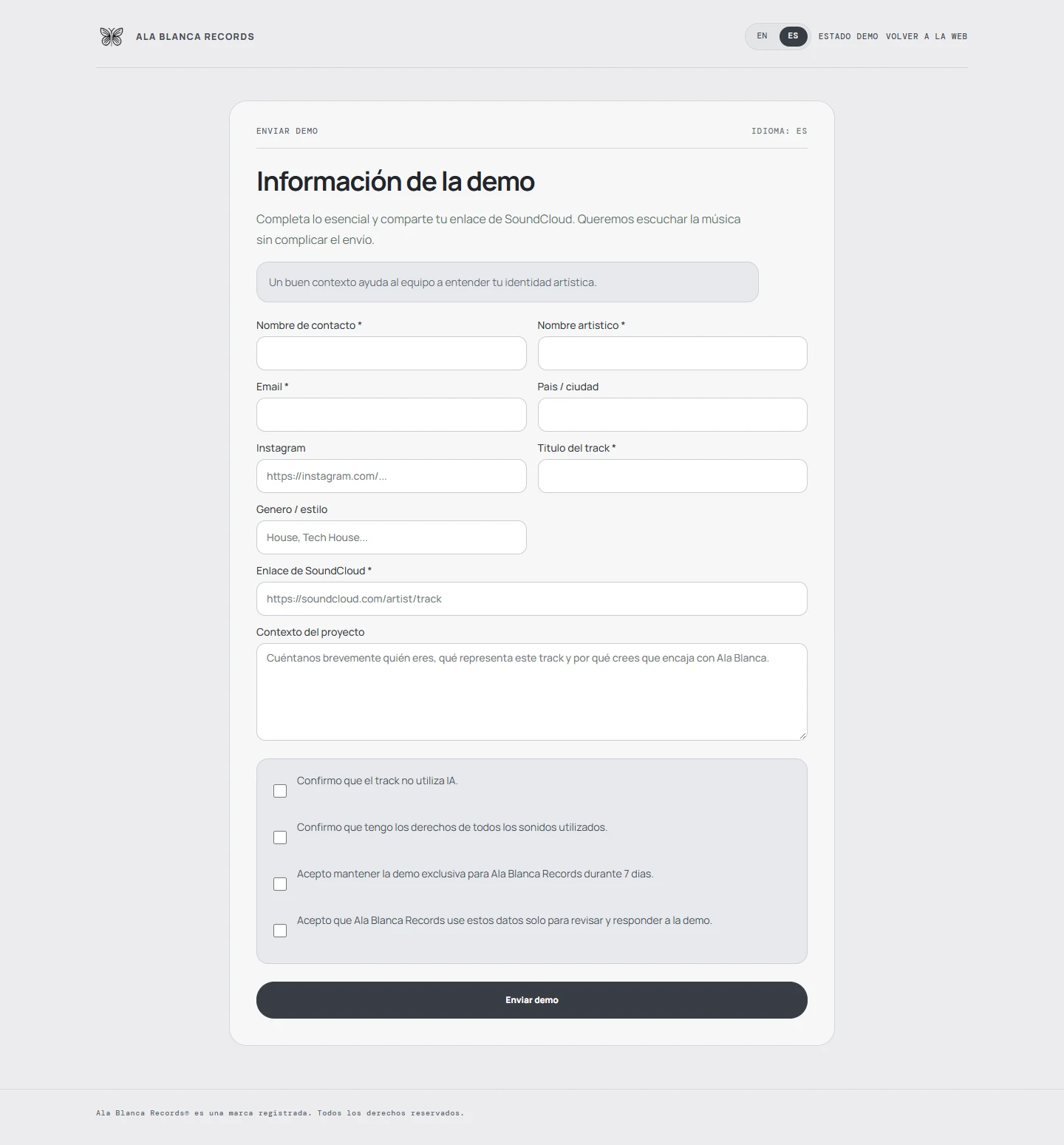
A submission form with your identity. Contact details, track, SoundCloud link and artist context. Available in English and Spanish, with demo status lookup.
02 / YOUR TEAM, IN SYNC
Every person.
Their own space.
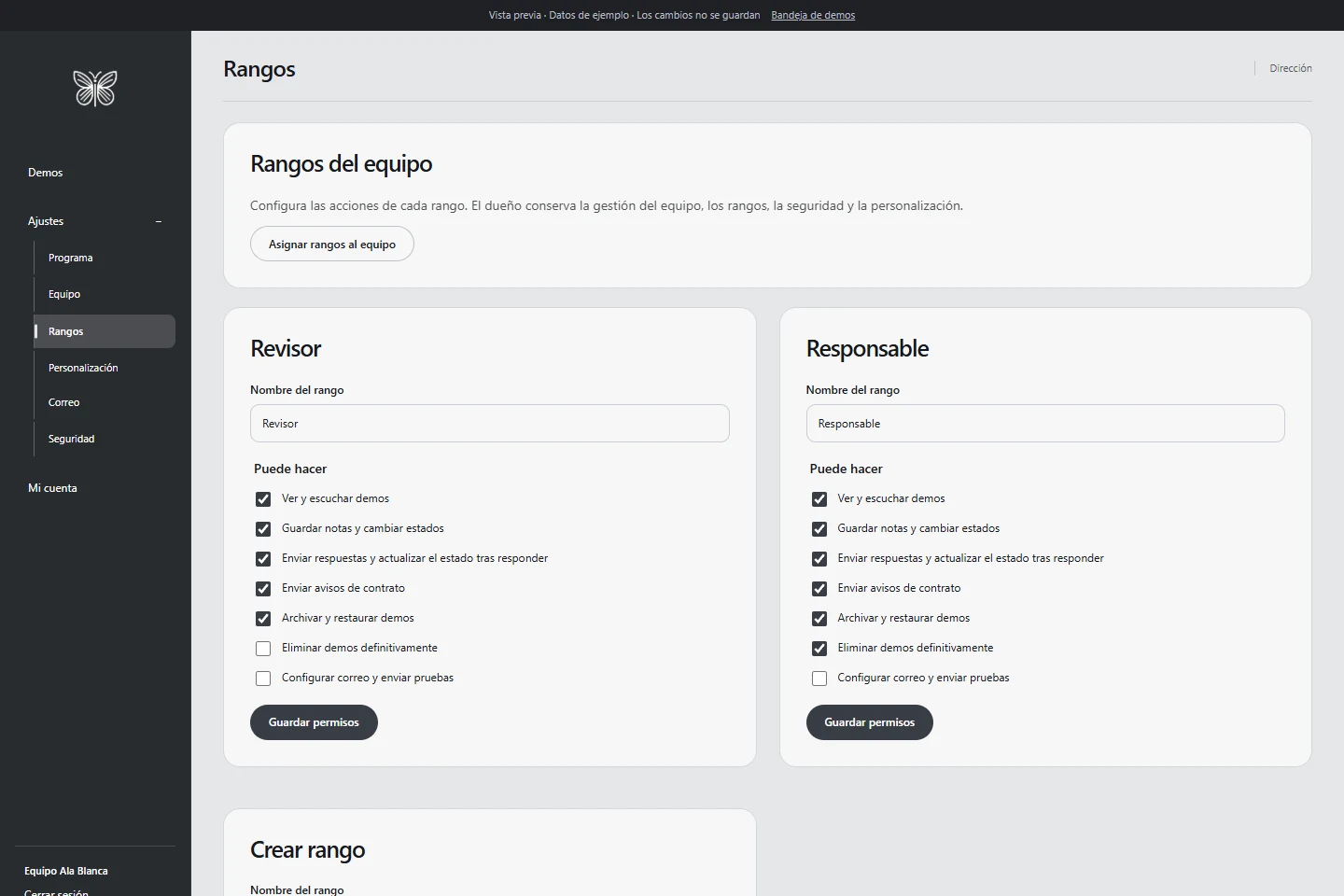
Create roles, set permissions and personalise the dashboard. Your logo, colours and way of working. The owner stays in control.
03 / WHEREVER YOU ARE
Your desktop.
Your pocket.
Your label.
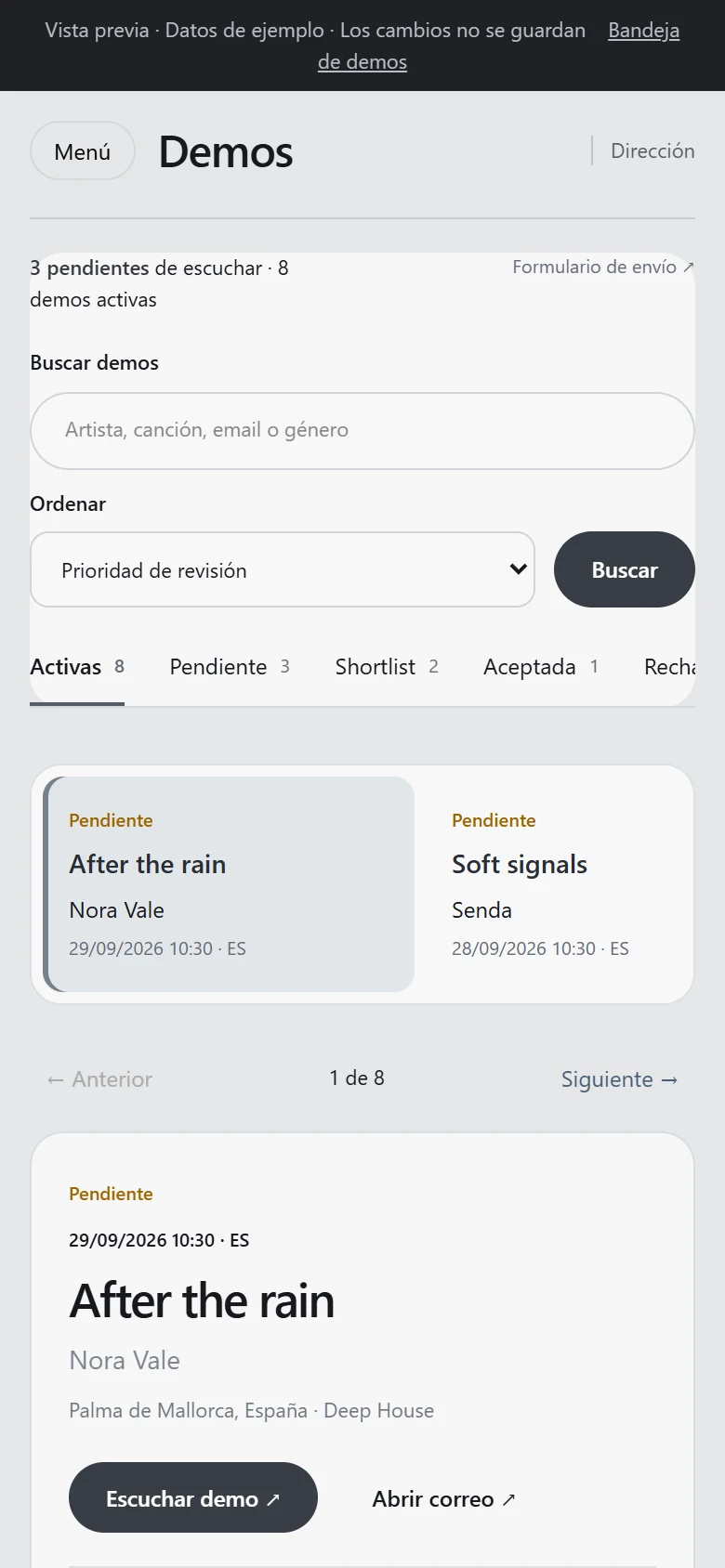
Manage the full dashboard through the Windows app connected to your server. Or review demos in your phone’s browser, with a screen-adapted interface.
App with installer and update checks. No separate mobile app required. Same account and permissions. Connection required.
Everything connected.
From submission to reply. These are the tools supporting your team.
Explore every feature +
01Demo submissions+
- Public form in English and Spanish
- Name, contact, title, genre and context
- SoundCloud link
- Rights, privacy and submission confirmations
- Reference and demo status lookup
02Listening and review+
- Inbox with list and detail views
- Search by artist, track, email or genre
- Status filters and sorting
- Move between submissions
- Internal team notes and review statuses
03Replies and follow-up+
- Reply by email from the submission
- Update status after replying
- Contract notification by email
- Contact and review records
- Archive, restore and delete with permission
04People and permissions+
- Create staff users
- Activate or deactivate access
- Custom roles
- Permissions to view, review, reply, archive and delete
- Password reset and temporary password change
05Brand and workspace+
- Label name and logo
- Dashboard and control colours
- Menu position and order
- Labels, links and dashboard notice
- Density and corner styling
06Label email+
- Sender and reply-to settings
- Demo notification recipient
- SMTP server, port and encryption
- Mailbox credentials
- Send a test email
07Account and security+
- Staff sign-in
- Personal password change
- Server-side permission checks
- CSRF protection and login attempt limits
- Action logging and installer lock after setup
08Installation and ownership+
- install.php setup wizard
- Hosting requirement checks
- Connect to an empty database
- Create owner and initial label identity
- Install on your domain or in a subdirectory
YOUR NEXT CHAPTER STARTS HERE
Make room
for your sound.
Tell me about your project. I’ll reply with a proposal and pricing tailored to your label.
Buy · Request a proposal ↗Installation, app, support and updates are agreed in the proposal. No automatic payment.